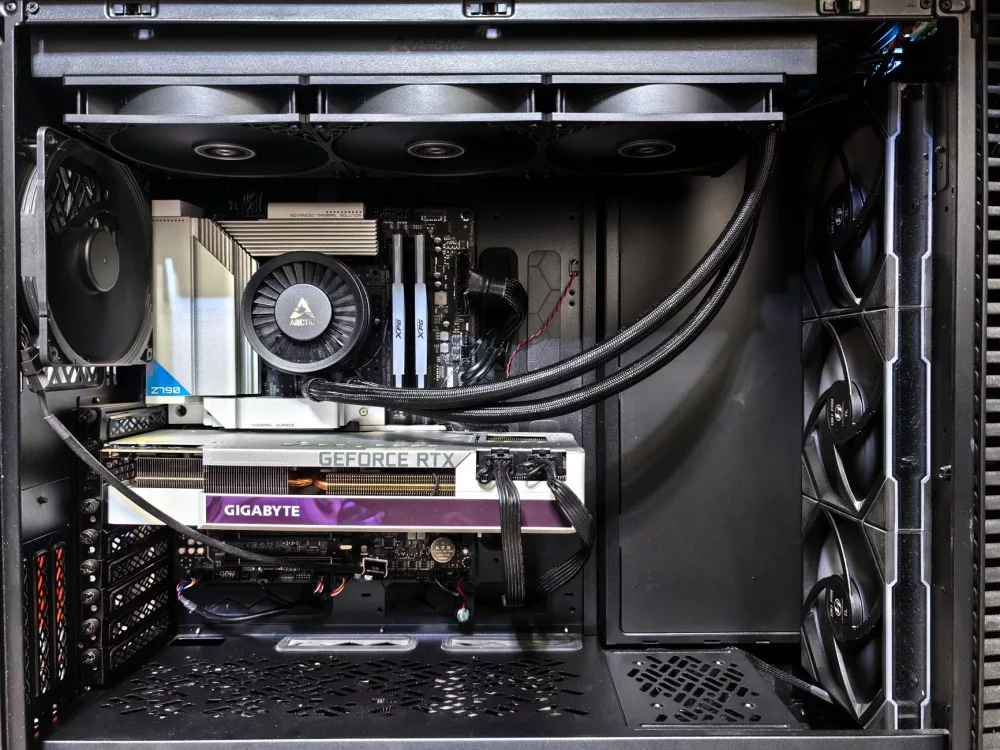
Alright, so you're probably here because you've got that gaming itch, but your wallet's telling a different story. I totally get it. Building a gaming PC on a tight budget, say around the $600 mark, might seem like a Herculean task in 2024, especially with all the hype around cutting-edge graphics cards and processors. But I'm here to tell you, it's absolutely doable! You can get a surprisingly capable machine that'll let you jump into your favorite titles without completely breaking the bank. It just requires a bit of smart shopping, knowing where to compromise, and a sprinkle of patience. Let's dive in and see how we can make this happen for you.
Why a $600 Gaming PC? The Budget-Conscious Gamer's Reality
You might be thinking, "Is $600 even enough for gaming today?" And my honest answer is, it depends on your expectations. This isn't going to be a 4K, ray-tracing monster. What we're aiming for is a solid 1080p gaming experience, hitting playable frame rates on medium to high settings in a lot of popular games. For many of us, that's more than enough! It's all about maximizing every single dollar we spend. We're looking for value, not just raw power.
The current market can be a bit wild, I won't lie. Component prices fluctuate, and what's a great deal one week might be gone the next. But this budget forces us to be clever, to seek out those sweet spots in performance per dollar. We'll be focusing on a build that offers a fantastic starting point, with a clear upgrade path for down the road. You won't be stuck with a dead-end machine; instead, you'll have a foundation you can build upon when you've saved up a bit more cash.
The Heart of Your Machine: Essential Components Explained
CPU & Integrated Graphics: Your Budget's Best Friend
For a $600 build, the CPU is super important, but it also has to pull double duty sometimes. I've found that an AMD Ryzen APU, like the Ryzen 5 5600G, is an absolute superstar here. This chip comes with surprisingly potent integrated graphics (Vega 7) that can handle a whole lot of games at 1080p, especially if you're willing to tweak settings a bit. Seriously, it's impressive for what it is. Choosing an APU lets us skip a dedicated graphics card for now, saving a massive chunk of our budget. This single component is probably the most impactful decision in this entire build.
Alternatively, if you happen to find an incredible deal on a used dedicated GPU, like an AMD RX 580 or an NVIDIA GTX 1650 Super, then you could pair that with a budget Intel Core i3 or a non-G Ryzen CPU. But for pure simplicity and reliability within our strict budget, the 5600G is usually the winner.
The Motherboard: A Stable Foundation
You don't need anything fancy here. A solid B450 or B550 chipset motherboard will do the trick for our Ryzen 5 5600G. Look for one that supports DDR4 RAM and has at least two RAM slots. Make sure it has the correct socket (AM4 for the Ryzen chip) and check that it's compatible with the 5600G out of the box, or that it has BIOS Flashback so you can update the BIOS without an older CPU if needed. This is a common concern with older chipset boards and newer CPUs, so just be aware of it. Brands like ASRock, MSI, and Gigabyte often have great budget options.
RAM: Speed is Key for APUs!
This is where a lot of people make a mistake with APU builds. For an APU to shine, it absolutely needs fast RAM. I'm talking at least 16GB (2x8GB) of DDR4 RAM running at 3200MHz or preferably 3600MHz. Why 16GB? Because the integrated graphics will reserve a portion of your system RAM for itself, so 8GB just isn't enough to run both the OS, games, and the GPU effectively. And why fast? Because the integrated graphics performance scales directly with RAM speed. Dual channel is also crucial, so always go for two sticks of RAM over one larger stick.
Storage: NVMe SSD for Snappy Performance
Nobody wants to wait ages for their PC to boot up or for games to load, right? That's why I'm recommending a 500GB NVMe M.2 SSD as your primary drive. This will give you incredibly fast boot times and significantly reduce game loading screens. It's a noticeable quality-of-life upgrade that doesn't cost much these days. You might eventually want more storage, perhaps a cheap 1TB hard drive for extra games or media, but for getting started, 500GB NVMe is the way to go.
Power Supply Unit (PSU): Don't Skimp Here!
This component isn't glamorous, but it's the lifeblood of your system. You absolutely don't want a cheap, unreliable PSU. I suggest a reputable brand's 500-550W 80 Plus Bronze certified power supply. This gives you enough headroom for our current build and a potential dedicated GPU upgrade later. Brands like Corsair, Seasonic, EVGA, and Cooler Master are generally solid choices. A bad PSU can literally fry your other components, so this is one area where I'd advise against cutting corners too aggressively.
Case: Personal Preference & Airflow
The case is largely down to personal taste and how much you have left in the budget. What I'd prioritize is good airflow, decent cable management options, and a price tag that fits. You can find some really decent cases from brands like Phanteks, Cooler Master, and Montech in the $50-$70 range that offer a great balance of features and affordability. Just make sure your motherboard and chosen components will fit.
Smart Shopping Strategies & Assembly Tips
Building on a budget means being a savvy shopper. Here are some thoughts:
- New vs. Used: While I've focused on new components for this build to ensure warranty and reliability, the used market (eBay, Facebook Marketplace, r/hardwareswap) can offer incredible deals, especially on dedicated GPUs, older CPUs, or even RAM. Just exercise caution and check seller ratings.
- Sales Events: Keep an eye out for sales events like Black Friday, Cyber Monday, Amazon Prime Day, or even local holiday sales. You can snag some fantastic deals.
- Price Tracking: Use tools like PCPartPicker to compare prices across different retailers and set up price alerts. This tool is also amazing for ensuring component compatibility.
- BIOS Updates: If you're getting an older motherboard for a newer CPU (like a B450 for a Ryzen 5000 series chip), you might need to update the BIOS. Look for motherboards with 'BIOS Flashback' or 'Q-Flash Plus' features; they let you update the BIOS without a compatible CPU installed.
- Patience is a Virtue: Don't feel rushed to buy everything at once. Sometimes waiting a week or two for a specific component to go on sale can save you a significant amount.
- Watch Build Guides: If you're new to PC building, watch a few YouTube build guides. It's not as hard as it looks, and seeing someone else do it step-by-step can really boost your confidence. Gamers Nexus, Linus Tech Tips, and JayzTwoCents have excellent tutorials.
- Cable Management: Take your time with cable management. It not only makes your PC look tidier but also improves airflow, which is good for component longevity.
What Kind of Performance Can You Expect?
With a build centered around a Ryzen 5 5600G and fast RAM, you're looking at a very capable 1080p gaming machine. Here's a general idea:
- Esports Titles (CS:GO, Valorant, League of Legends, Overwatch 2): You'll likely hit well over 60 FPS, even pushing into 100+ FPS on medium to high settings, which is fantastic for competitive play.
- Older AAA Titles (The Witcher 3, GTA V, Doom Eternal): Expect solid 40-60 FPS on medium settings at 1080p. Some tweaking might be necessary, but these games are definitely playable and enjoyable.
- Newer AAA Titles (Cyberpunk 2077, Starfield, Alan Wake 2): This is where it gets tougher. You'll likely need to play on low settings at 1080p, aiming for 30-45 FPS. It won't be a buttery-smooth experience, but it's still playing them!
Remember, always check specific game benchmarks for the Ryzen 5 5600G to get the most accurate picture.
Your Future-Proofing Path: Upgrades Down the Line
The beauty of this $600 build is that it's designed with upgrades in mind. When you've saved up a bit more money, here's the typical upgrade order I'd recommend:
- Dedicated Graphics Card: This is the big one. Adding a dedicated GPU like an RX 6600, RX 6600 XT, or an RTX 3050/3060 will transform your gaming experience, allowing for higher settings and much better frame rates. You can find these used for really good prices sometimes, or new when they go on sale.
- More Storage: If 500GB isn't cutting it anymore, grab a larger SSD (another NVMe or a SATA SSD) or a traditional hard drive for bulk storage.
- Monitor: A better monitor with a higher refresh rate (144Hz+) can make even existing games feel smoother and more responsive.
- CPU (if necessary): The Ryzen 5 5600G is still a great CPU, but if you upgrade to a very high-end GPU later, you might consider moving up to something like a Ryzen 7 5800X3D for an even bigger boost in certain CPU-intensive games.
Building a $600 gaming PC might seem like a compromise, but I see it as an exciting challenge with a rewarding outcome. You're not just buying a machine; you're building a stepping stone into the world of PC gaming, learning valuable skills along the way. With careful component selection, smart shopping, and a bit of DIY spirit, you can absolutely create a budget gaming powerhouse that provides countless hours of entertainment. Happy building!